Lobby Welcome
Create an approved first impression across arrival and reception displays.
 Let’s talk ↗
PLATFORM / DIGITAL SIGNAGE
Keep every public-facing screen useful, on-brand and current—from the lobby welcome to dining and event information.
PLATFORM / DIGITAL SIGNAGE
Publish and coordinate hospitality content across compatible Samsung Tizen displays, web players and LED screens, with tools for playlists, scheduling and playback visibility.
CONNECTED CAPABILITIES
Digital signage helps the property communicate consistently from arrival areas to meeting spaces and hospitality venues.
Create an approved first impression across arrival and reception displays.
Support clear directional information across complex hospitality environments.
Coordinate schedules and location details for supported meeting and event areas.
Present approved dining, spa and property experiences at relevant touchpoints.
Share selected property notices and hospitality information clearly.
Maintain a consistent visual and operational approach across supported displays.
GUESTS & HOTEL TEAMS
The strongest signage feels relevant to the location, the moment and the guest journey.
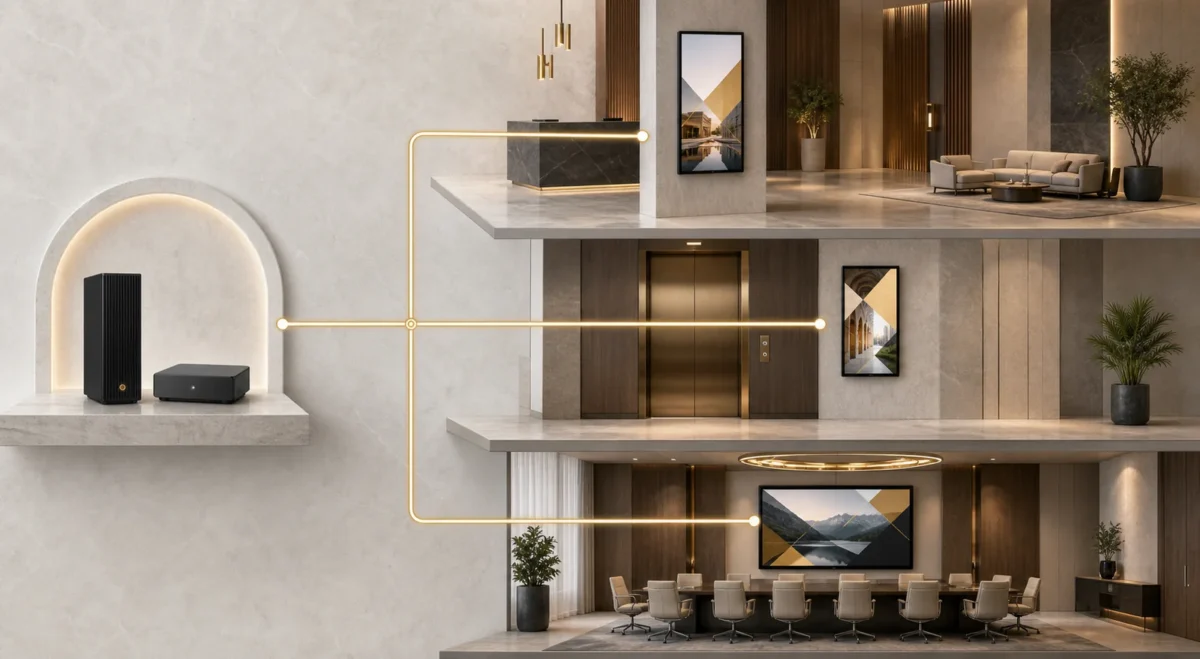
INFORMATION, IN THE RIGHT PLACE
Give guests timely orientation and venue information in the places they naturally look: reception, dining areas, meeting spaces and shared facilities.
Discuss your project ↗Useful content, property-wide
Organise screens by location and publish the right information to each area.
Share welcome messages, wayfinding, facility hours and practical guest information in the lobby.
Keep menus, spa offers and shared-space information aligned with the day’s programme.
Coordinate meeting schedules, event notices and timely operational messages across selected screens.
Hotel screens, in context
Assign each display a role and keep the hotel’s visual language consistent from the lobby to dining and meetings.
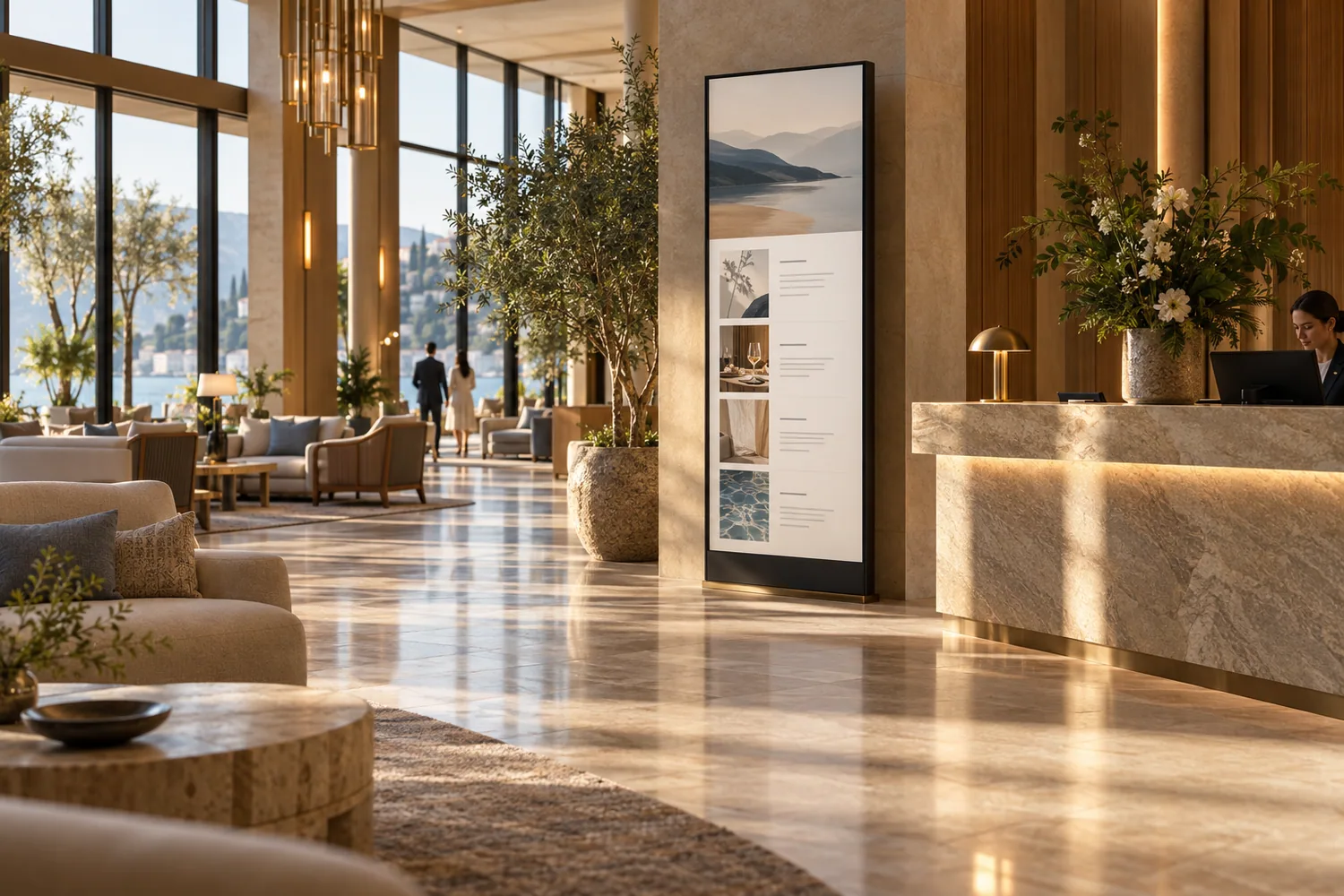
Present arrival messages, facility information and directions at reception and shared entrances.
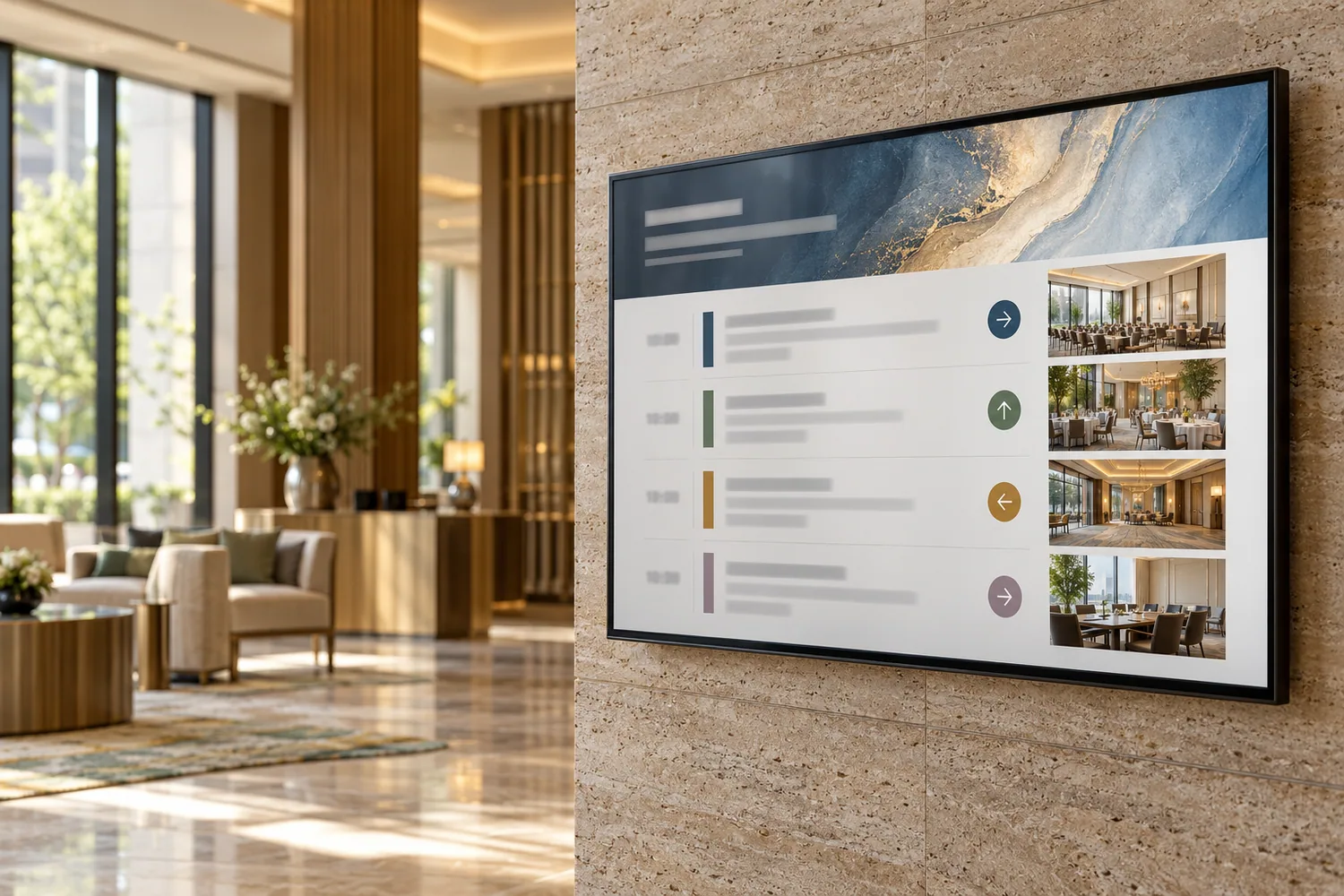
Schedule meeting-room information, event notices and programme changes where attendees need them.
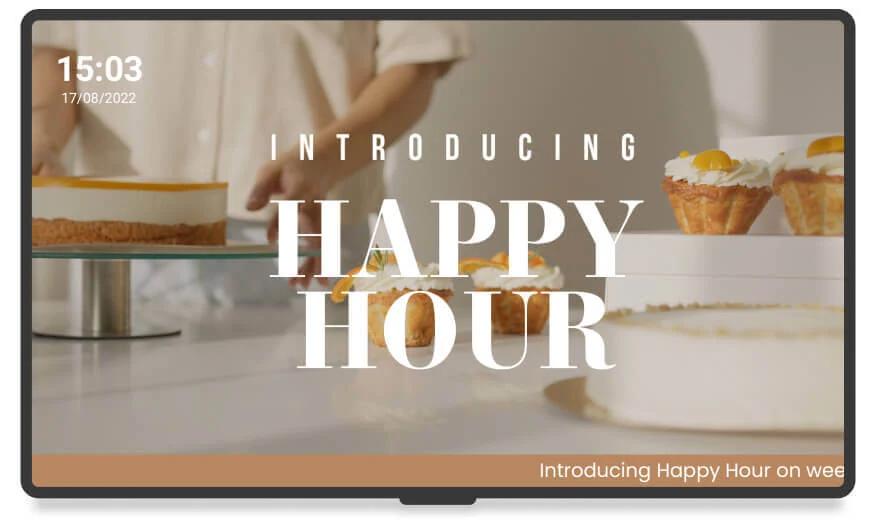
Promote restaurant menus, spa and venue information, opening hours and current offers.
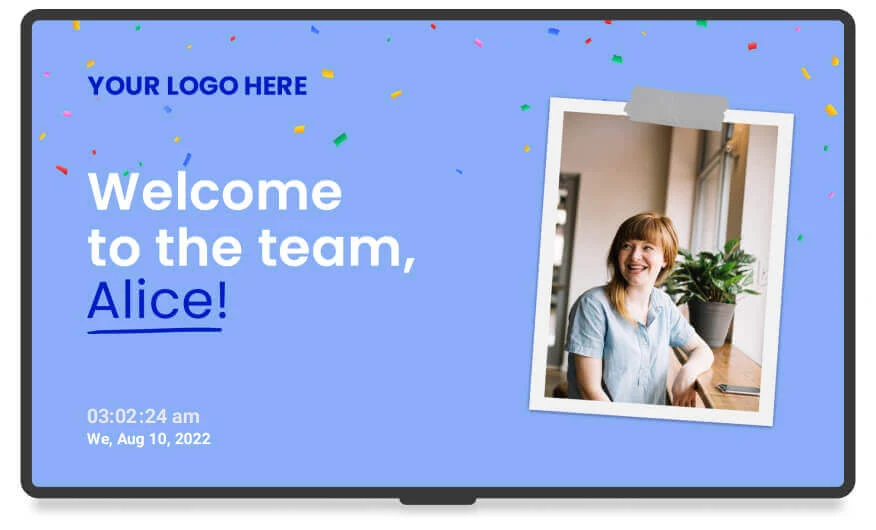
Adapt welcome and promotional scenes to the hotel brand; the pictured template uses demonstration content.
Content-to-screen workflow
From one display to a grouped screen network, the publishing process stays clear and repeatable.
Upload and validate images, videos, URLs or approved templates for the intended screen format.
Order content into playlists and nested playlist structures, with duration and playback options where supported.
Apply time and condition rules, then assign the publication to an individual display or a group for a hotel area.
Send updates to compatible players and inspect available connection, cache, playback and report information.
The operating console
Representative product-interface screens below use sample content. They show the workspaces used to plan publications and monitor devices.
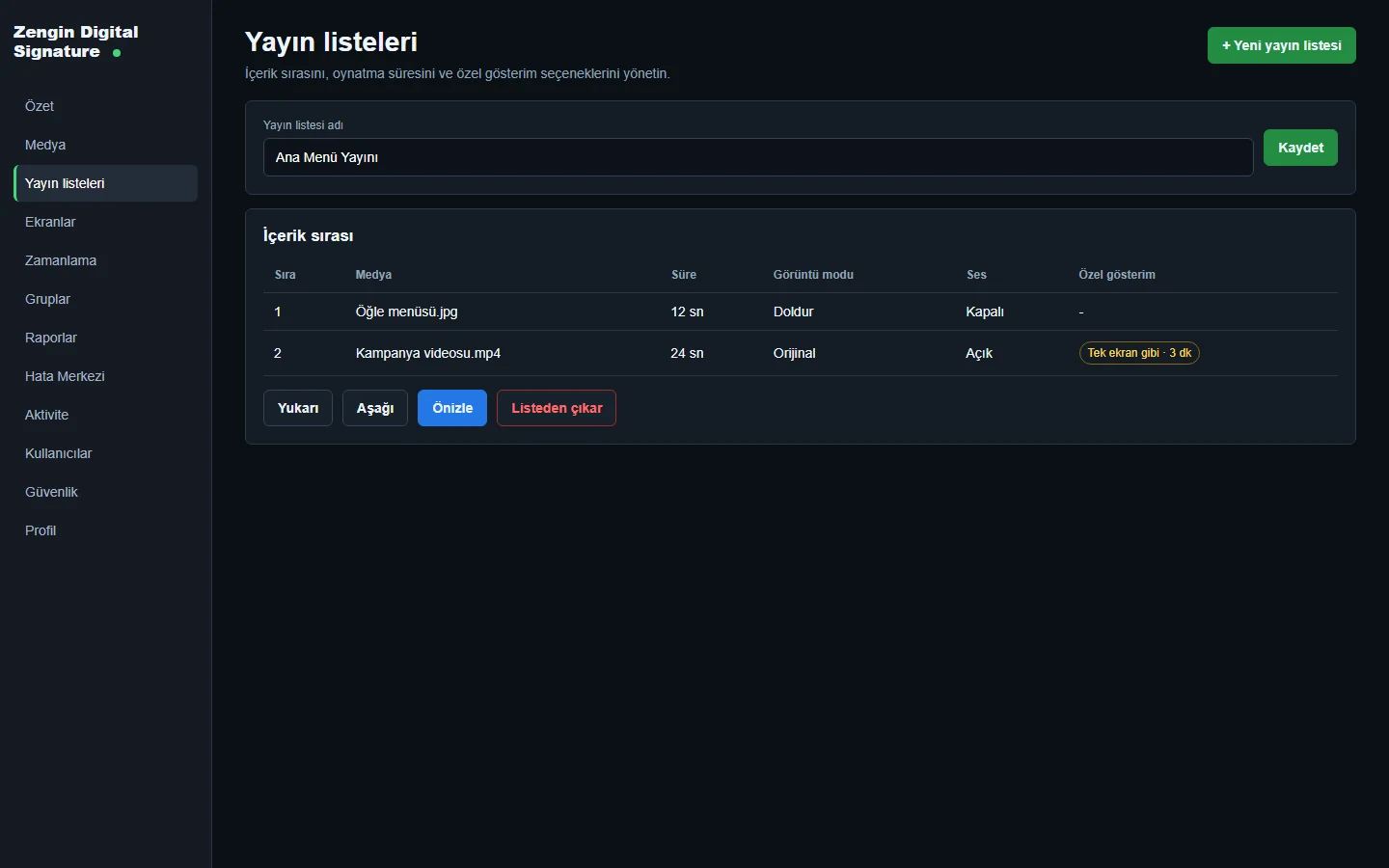
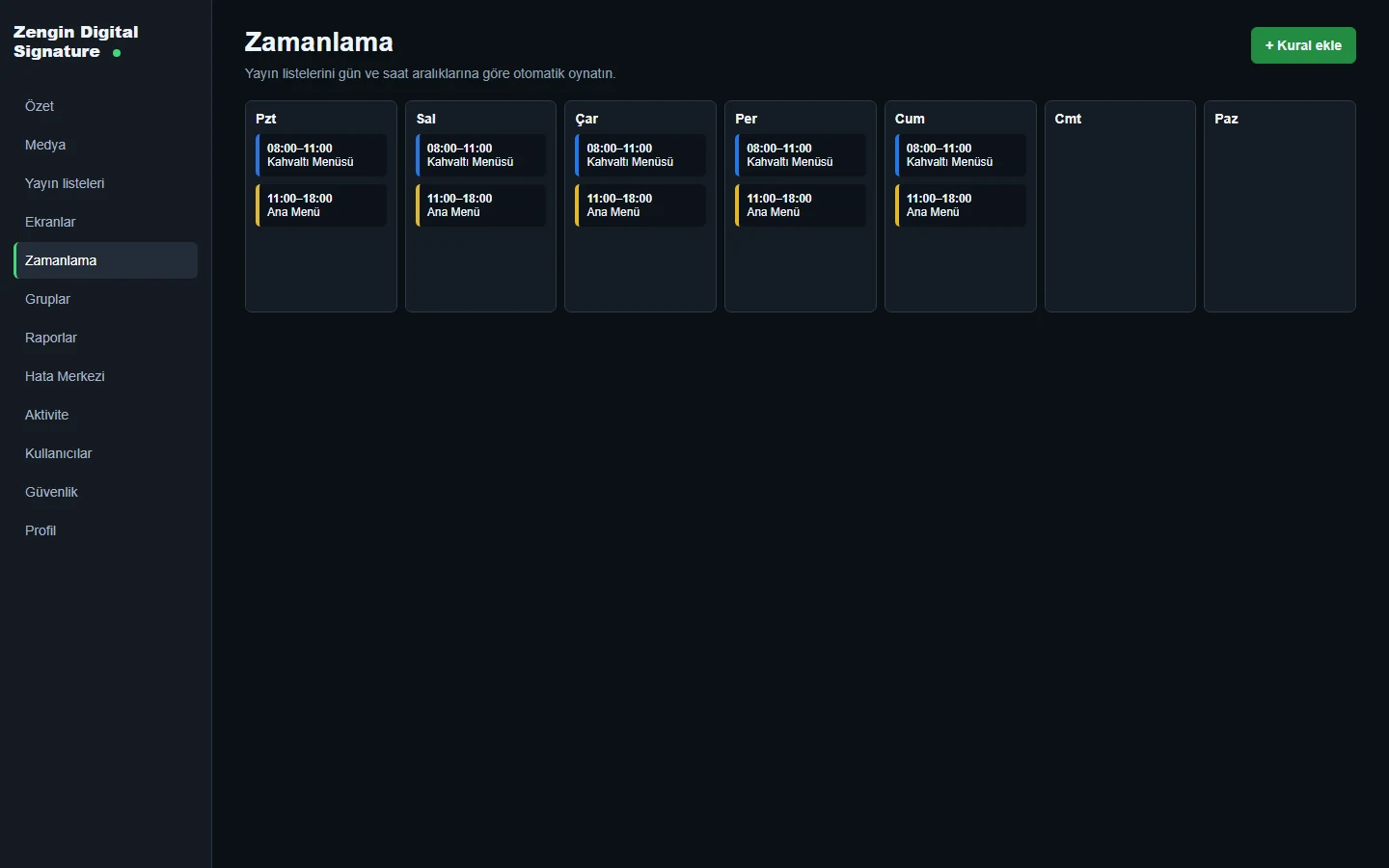
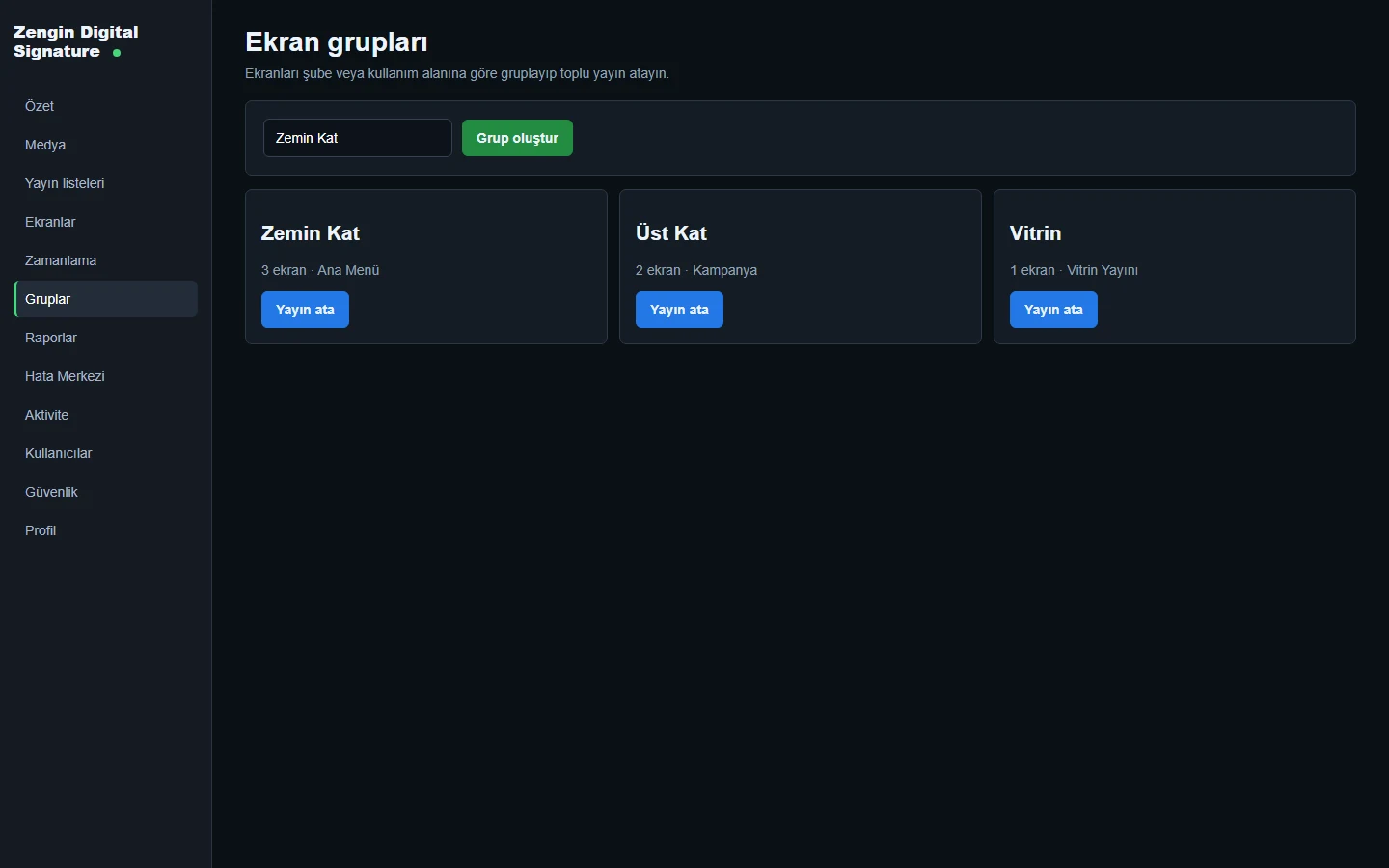
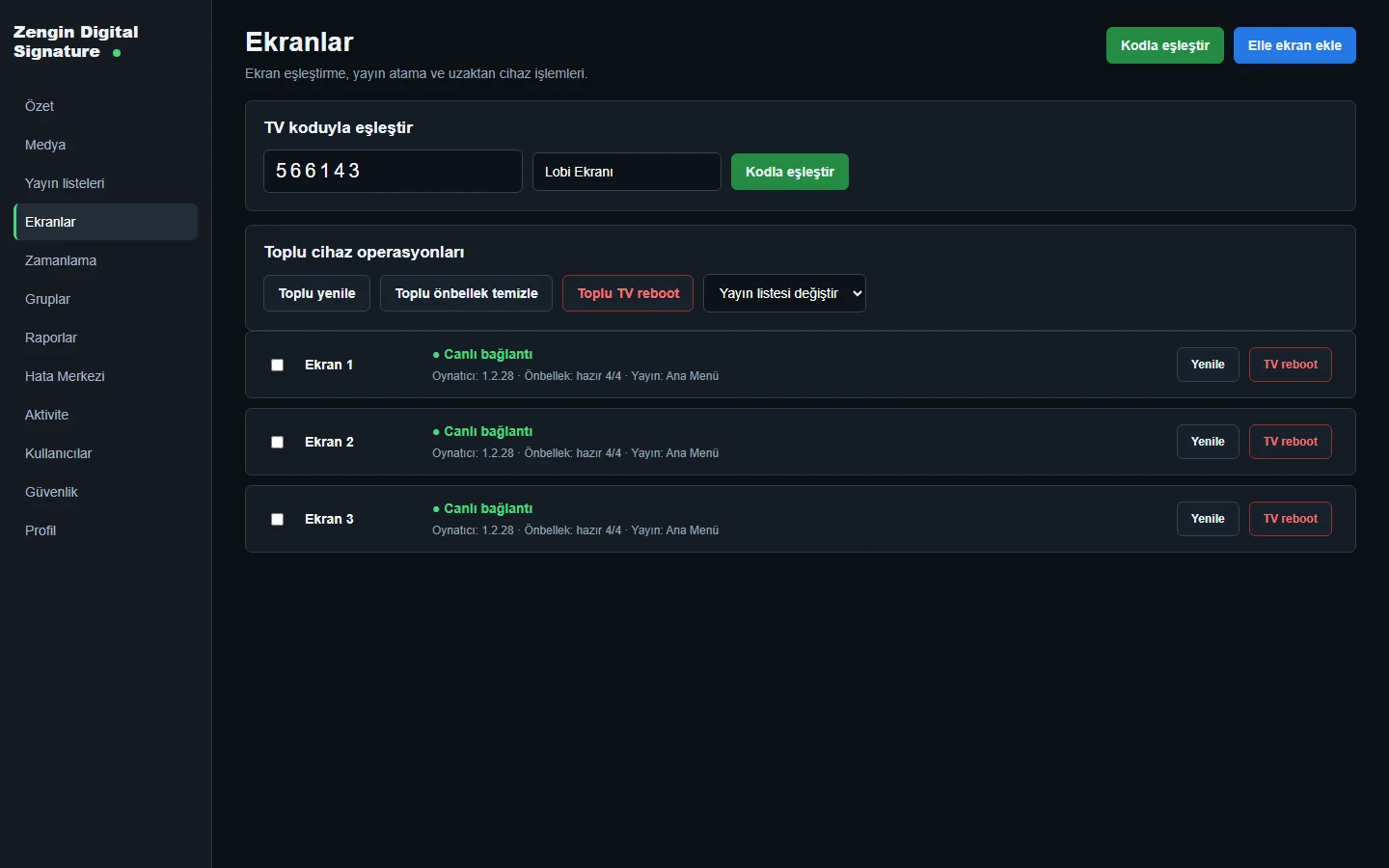
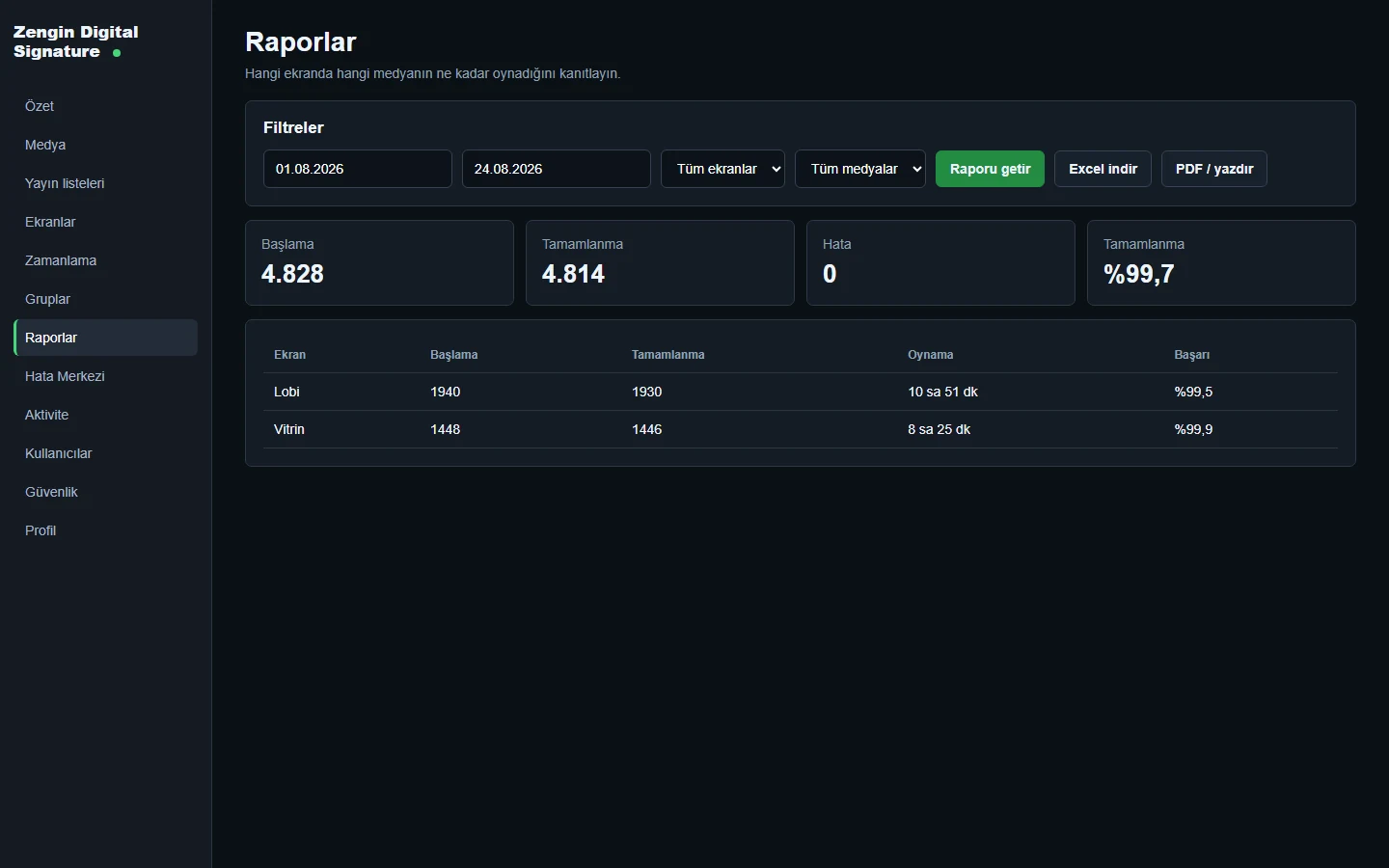
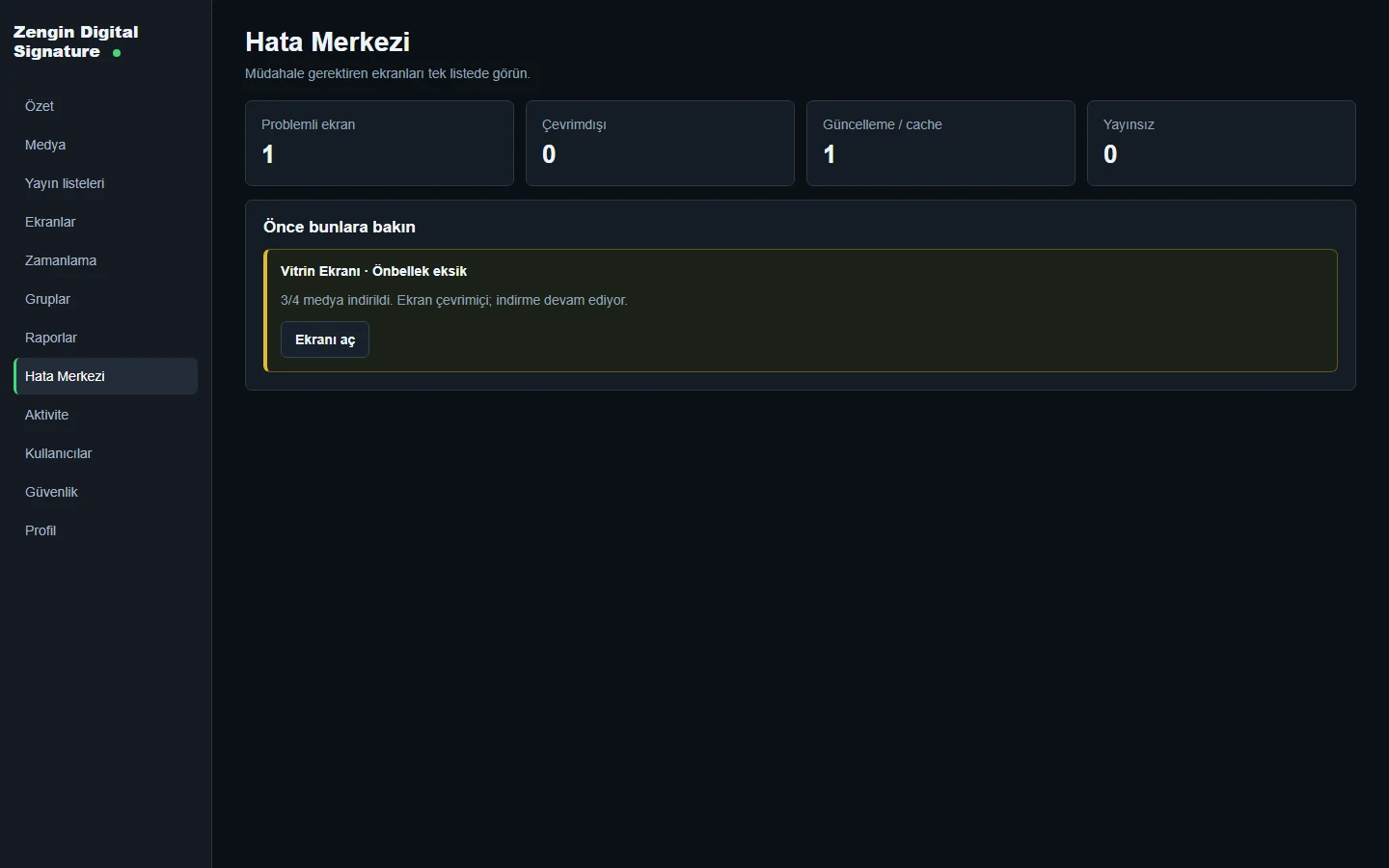
These are product-interface examples with test records, not live hotel screen status or verified performance metrics.
Platform capabilities
The platform brings media, screen assignment, player status and reporting together for hospitality teams.
Organise images, video, URLs and approved template content. Inspect player suitability and video thumbnail or codec information before publishing.
Create playlists, build nested playlist structures and control the sequence and supported playback options for a display or screen group.
Change content by day, time, area or operation schedule—for example a morning breakfast menu, a daytime facilities message and an evening event programme.
Assign distinct publication flows to the lobby, restaurants, spa, meeting floors, event foyers or other hotel screen groups.
Review connection, cache, playback and player-version status. Supported operations include refresh, cache clear, app restart, reboot and update checks, subject to the player’s permissions.
Use available proof-of-play, uptime and error-centre information to check whether content reached the intended player. Report exports and some modules depend on the selected scope.
Player and hosting options
Choose endpoints and server model during project planning; the right combination depends on the existing displays and network.
SUPPORTED PLAYER PATHS
DEPLOYMENT MODEL
Core vs. optional scope
Core publication tools are separated from premium content editors, external feeds and specialist hardware integrations.
CORE PUBLISHING
OPTIONAL / PREMIUM MODULES
Premium modules are not enabled for every customer by default. Device compatibility, licensing, player packaging and external integrations are confirmed before deployment.
Common questions
Yes. Screen groups can separate areas such as the lobby, floors, restaurant, spa and event venues, with playlists assigned to the intended displays.
Yes. Scheduling rules can be used for daypart and special-date flows, subject to the chosen setup and player support.
Offline cache is supported on suitable player paths. The cached media and cache status depend on the device and its configuration.
No. Advanced live CMS, data-source integrations, touch-kiosk features, NovaStar and some export/report modules are offered as scoped optional modules.
Available playback records, proof-of-play and uptime or error information can be reviewed; report details and exports depend on the modules selected.
Not necessarily. Supported Tizen displays and web players may use existing compatible hardware. Device model and operating environment are checked during planning.
Explore further
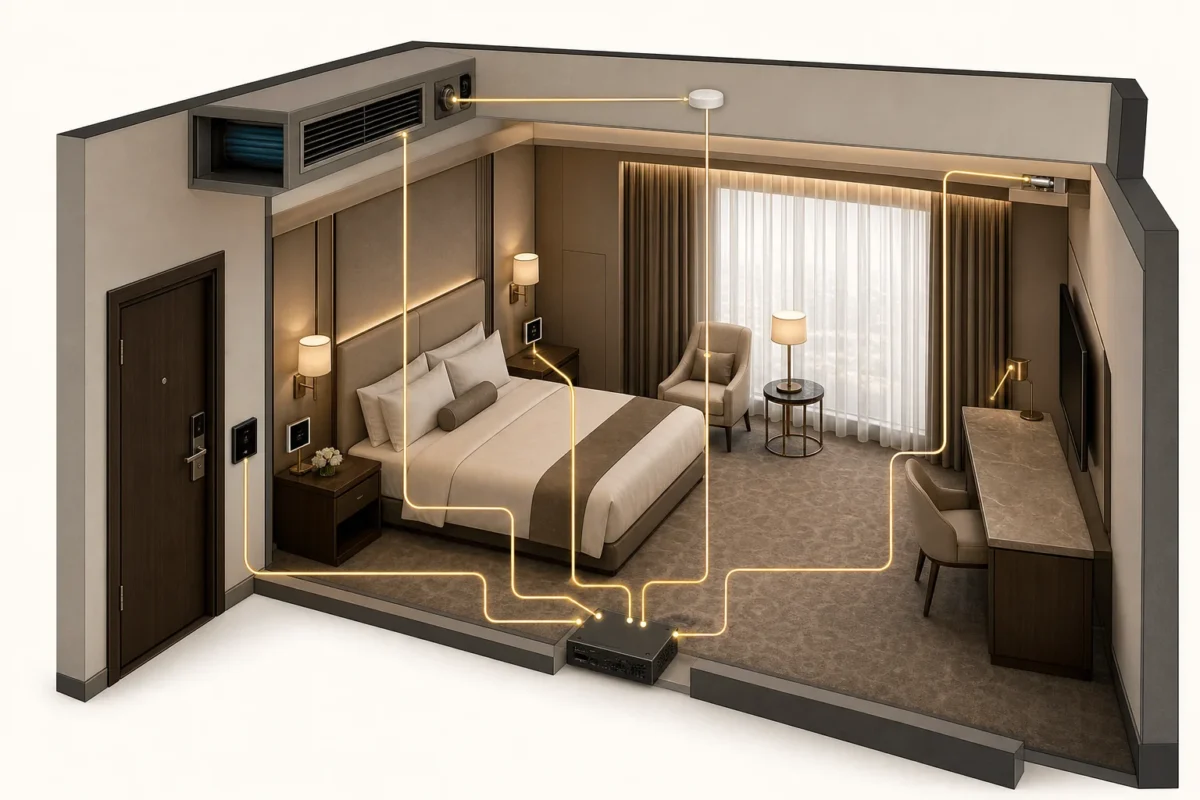 01 / PLATFORM
A more intuitive room experience, with the operational intelligence to manage every stay with care.
 02 / PLATFORM
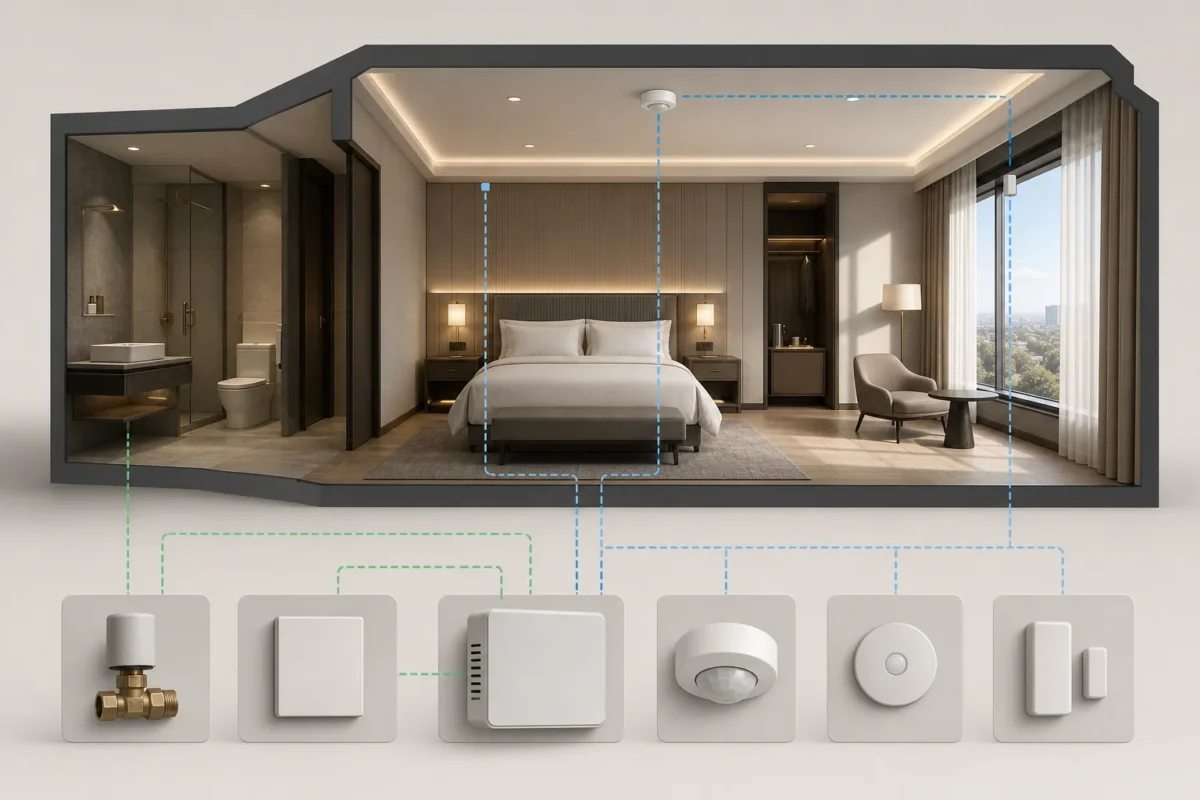
Bring room comfort and energy awareness together across the property.
 03 / PLATFORM
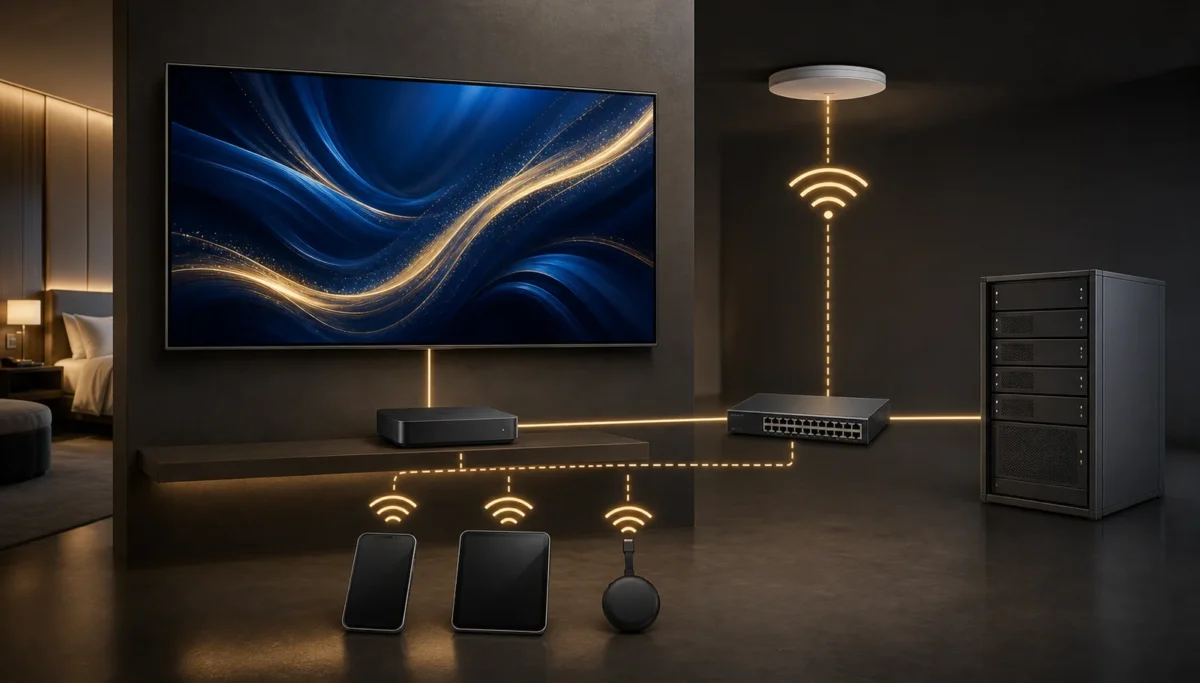
A familiar in-room screen for live television, hotel information and guest services—shaped around the hospitality brand.