Welcome Experience
Present an approved arrival experience that reflects the hotel brand.
 Let’s talk ↗
PLATFORM / IPTV
A familiar in-room screen for live television, hotel information and guest services—shaped around the hospitality brand.
PLATFORM / IPTV
Bring live TV, hotel content and room-service flows together through a Samsung Tizen TV application and a management panel for content and day-to-day operations.
CONNECTED CAPABILITIES
A connected IPTV layer can become a familiar, branded touchpoint throughout the stay.
Present an approved arrival experience that reflects the hotel brand.
Organize supported entertainment sources through the approved IPTV scope.
Make selected property information accessible from the guest room screen.
Support approved hotel-to-room communications through the IPTV experience.
Help guests discover relevant property services and amenities.
Coordinate visual language and content across approved room types.
GUESTS & HOTEL TEAMS
The screen becomes useful when content, brand and hotel services feel like one coherent experience.
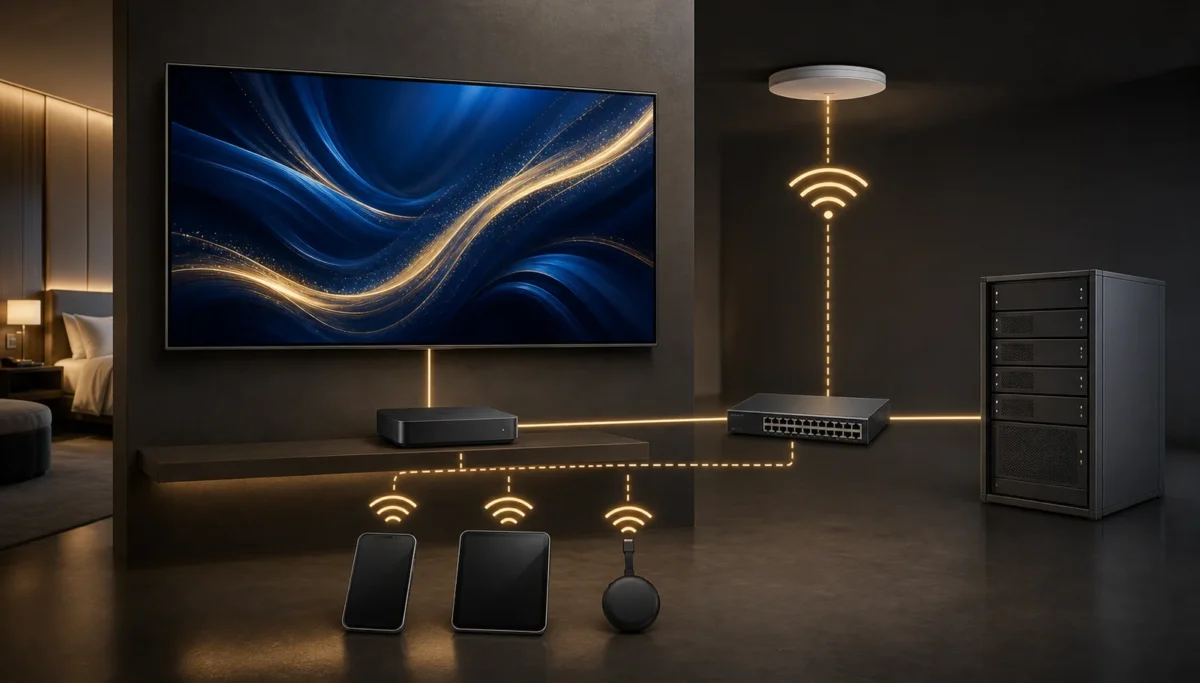
THE ROOM, ON SCREEN
Guests can move from live television to a branded hotel guide and available service flows using the familiar TV interface. Hotel teams manage content and operational details through a central panel.
Discuss your project ↗A better in-room journey
Designed for hospitality TV navigation, with content that can reflect the property and the stay.
Present a branded arrival screen, hotel guide, facilities and useful property information.
Bring live TV playback and a clear channel experience into the guest-room interface.
Make supported room-service requests, guest messages, wake-up calls and feedback easy to find.
Inside the guest experience
The hospitality TV app brings property information and supported guest-service paths together in an interface designed for the TV remote.
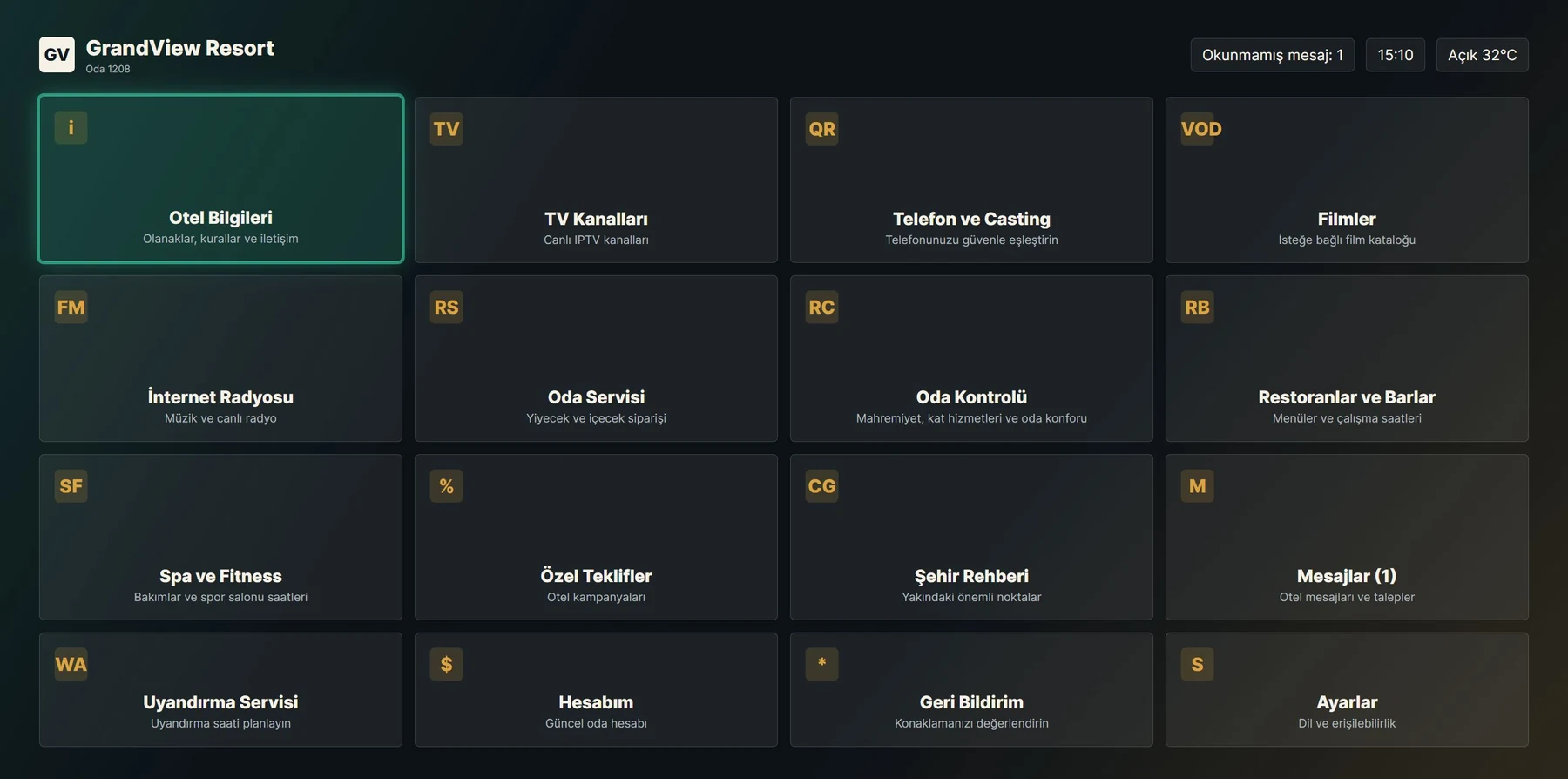
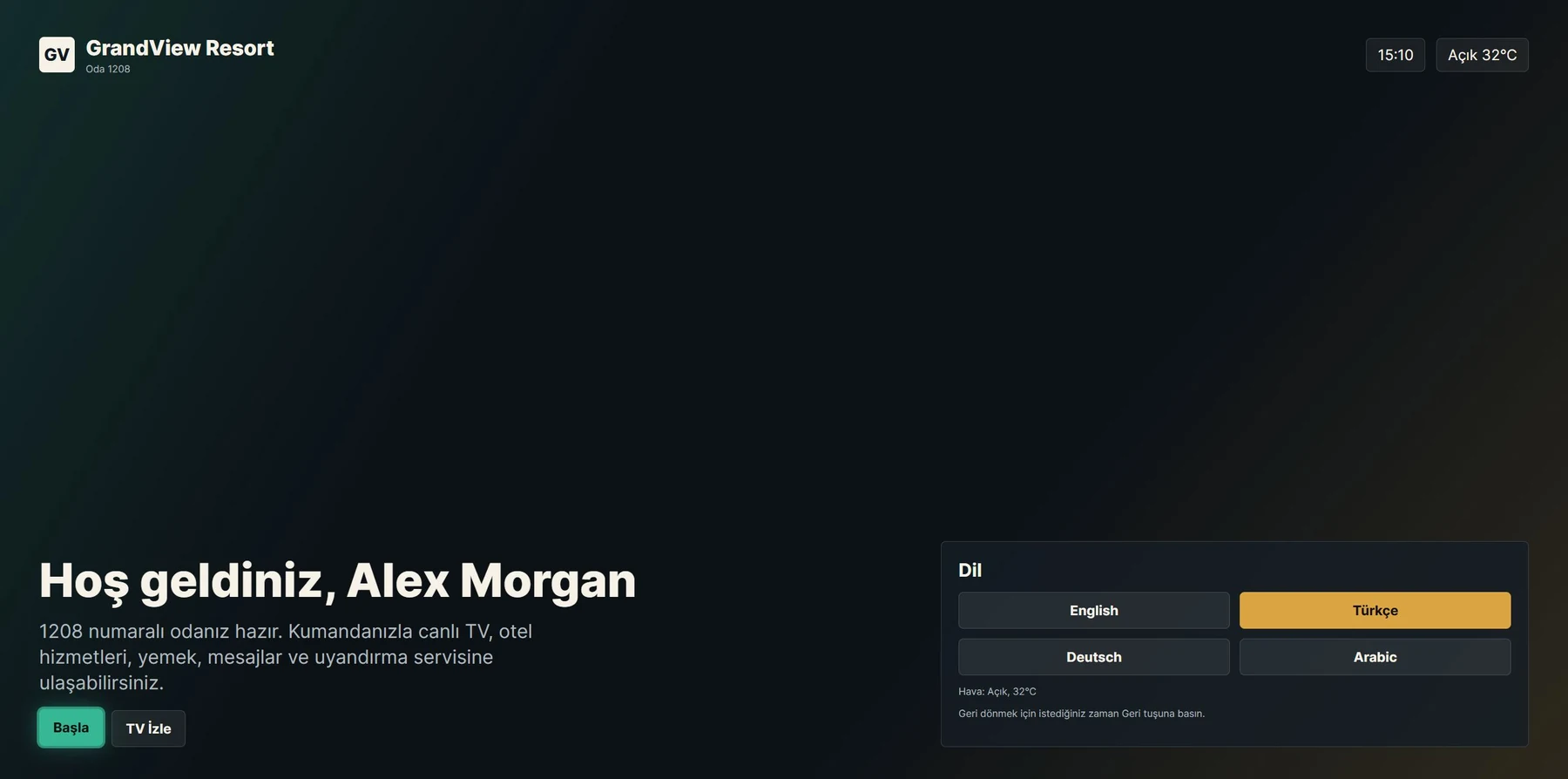
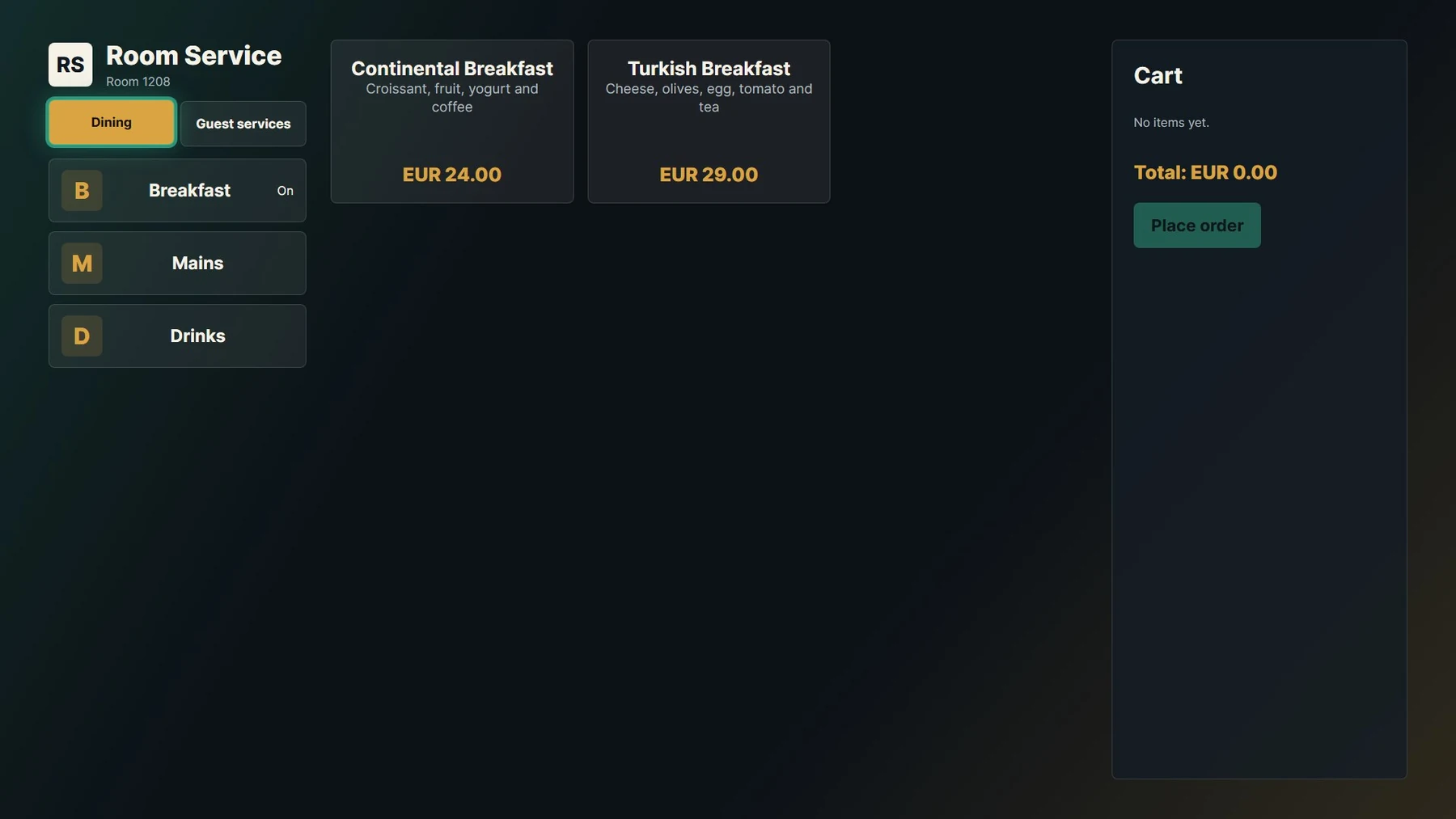
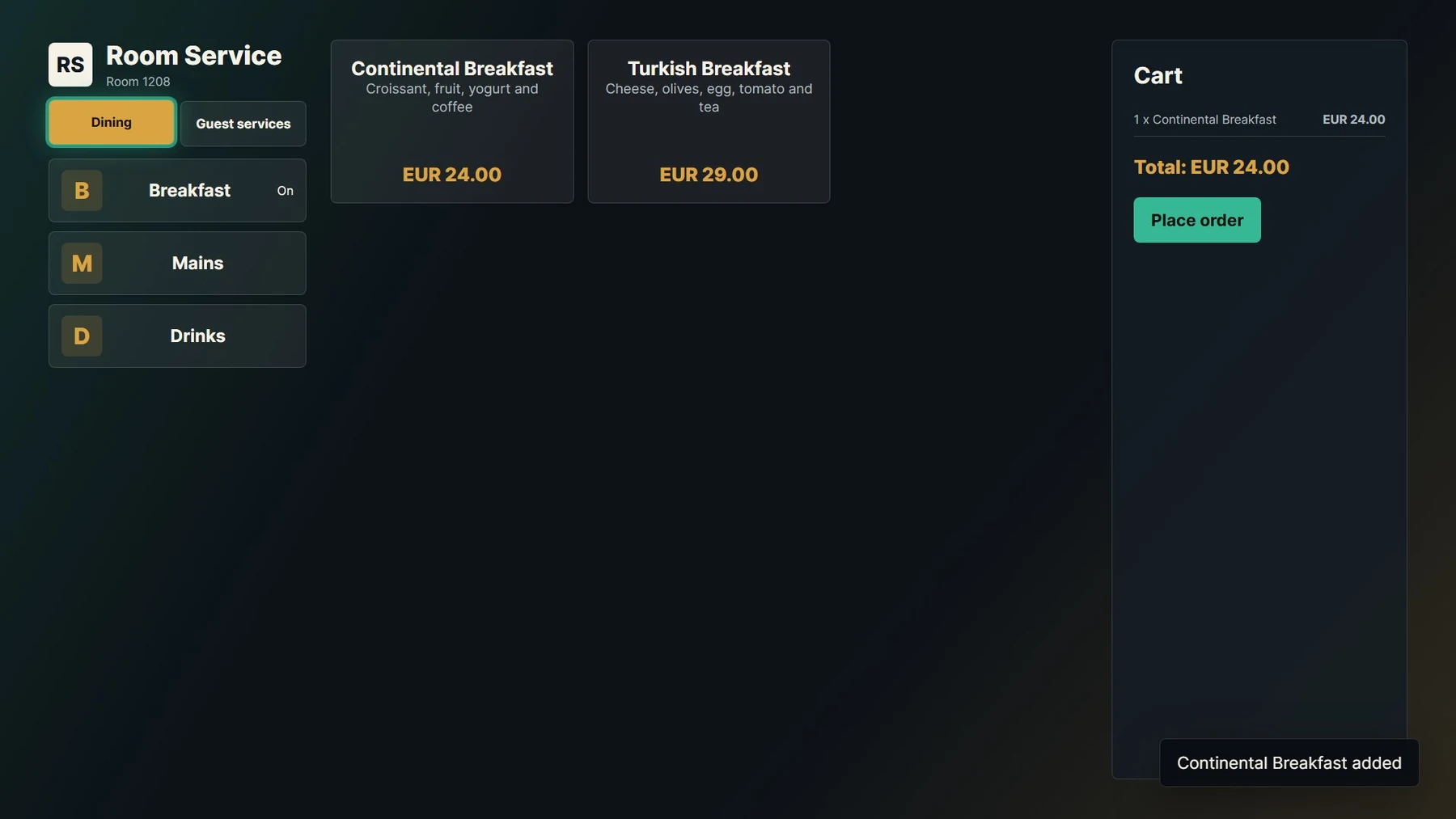
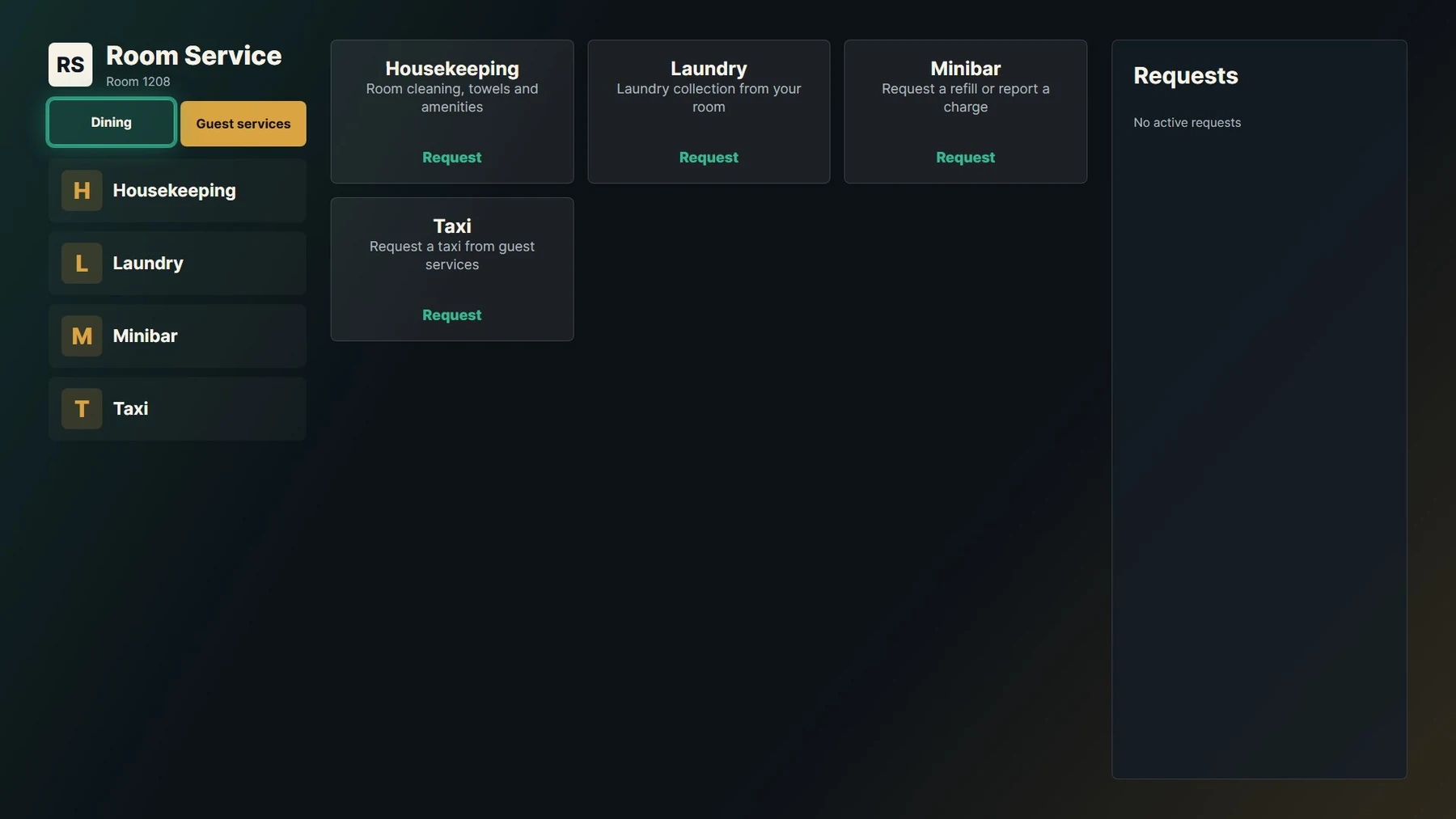
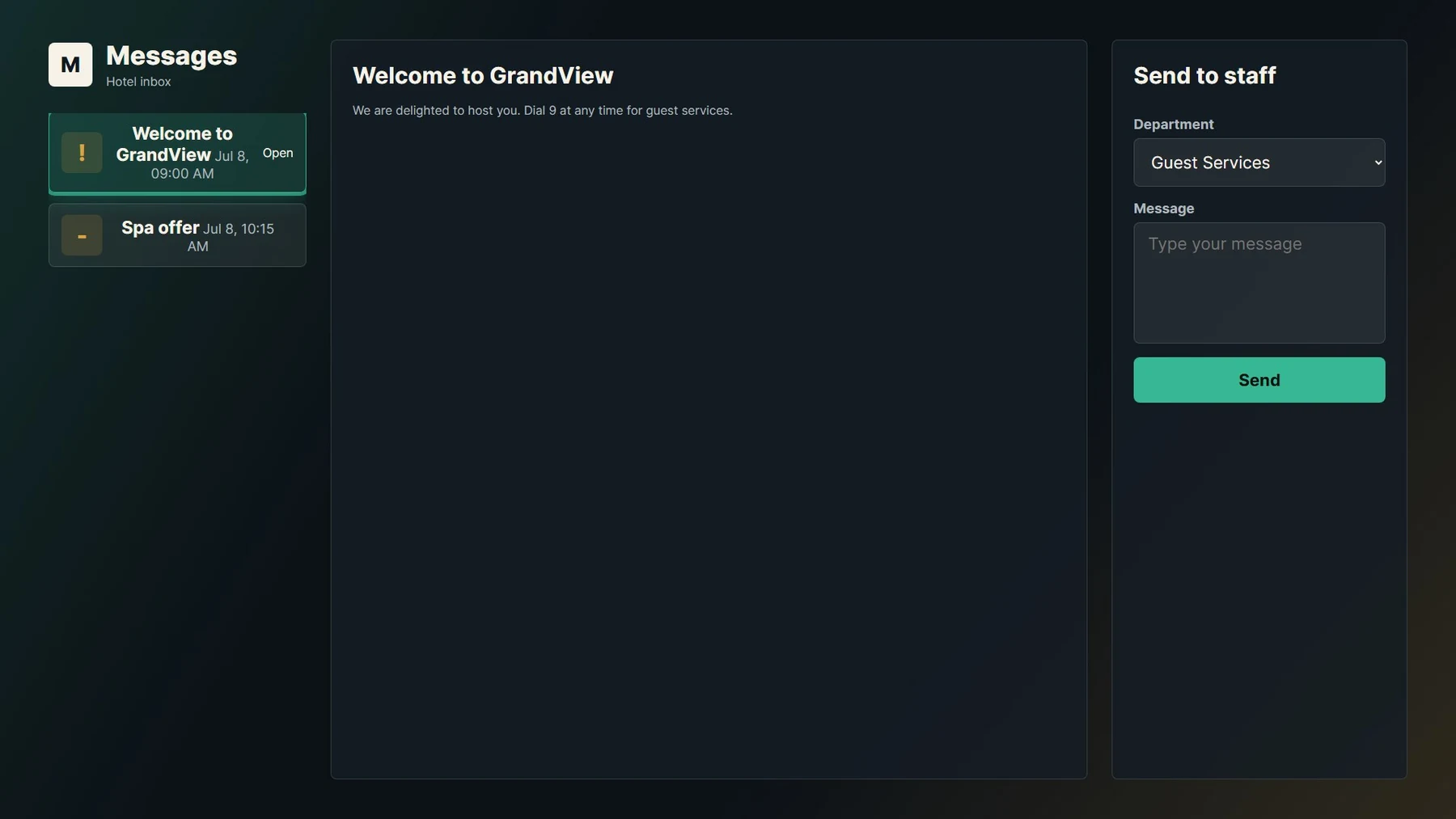
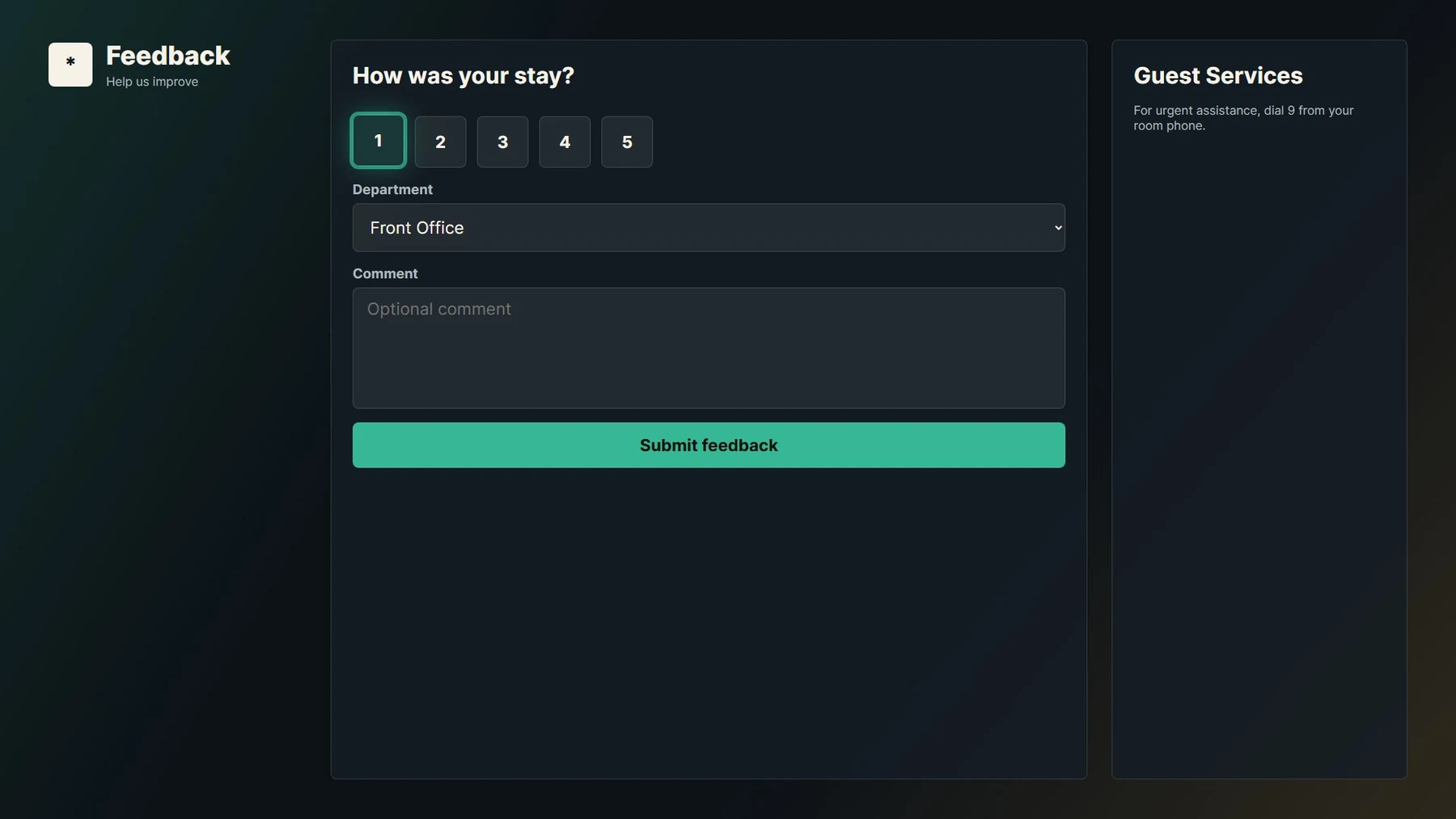
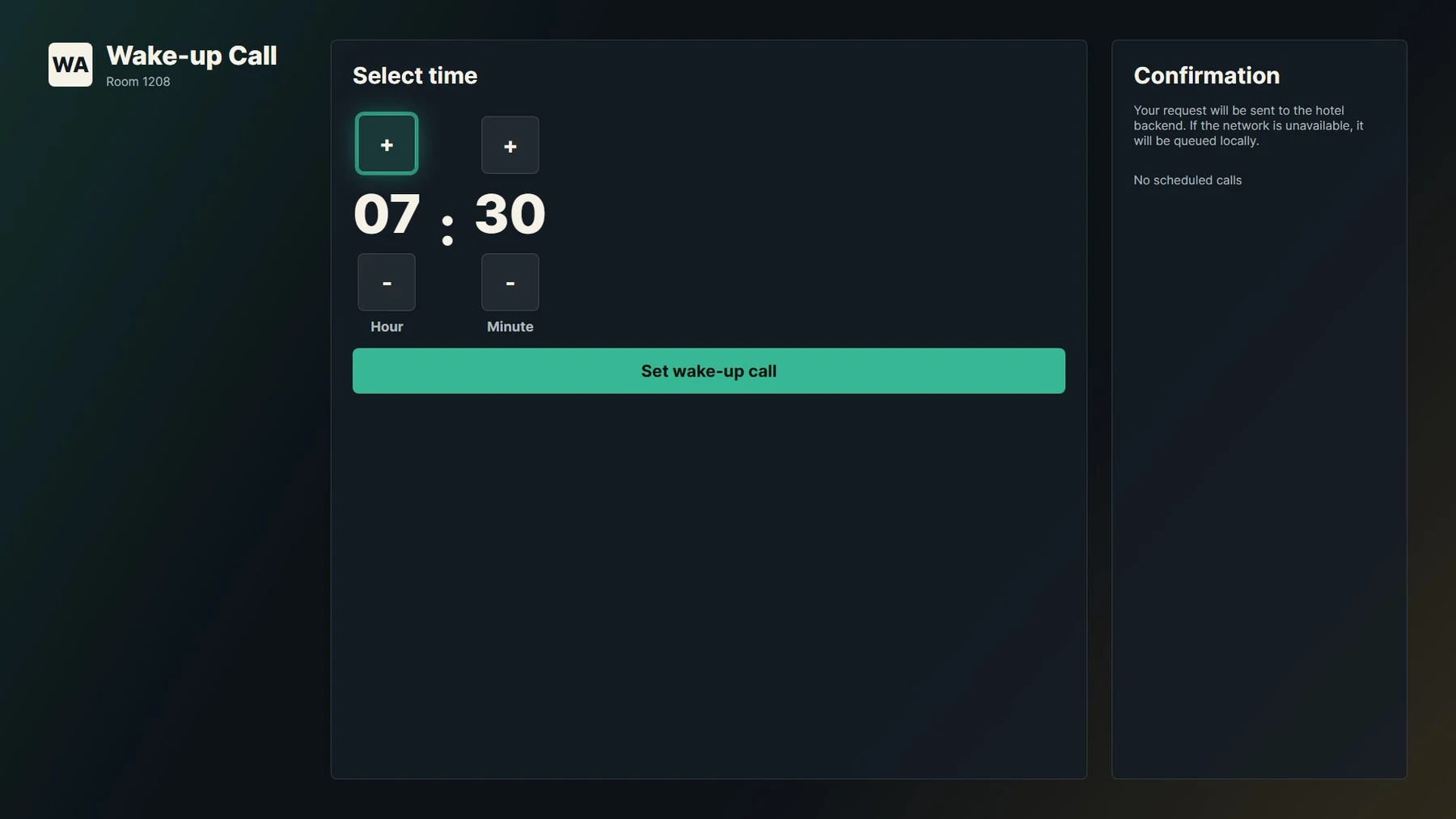
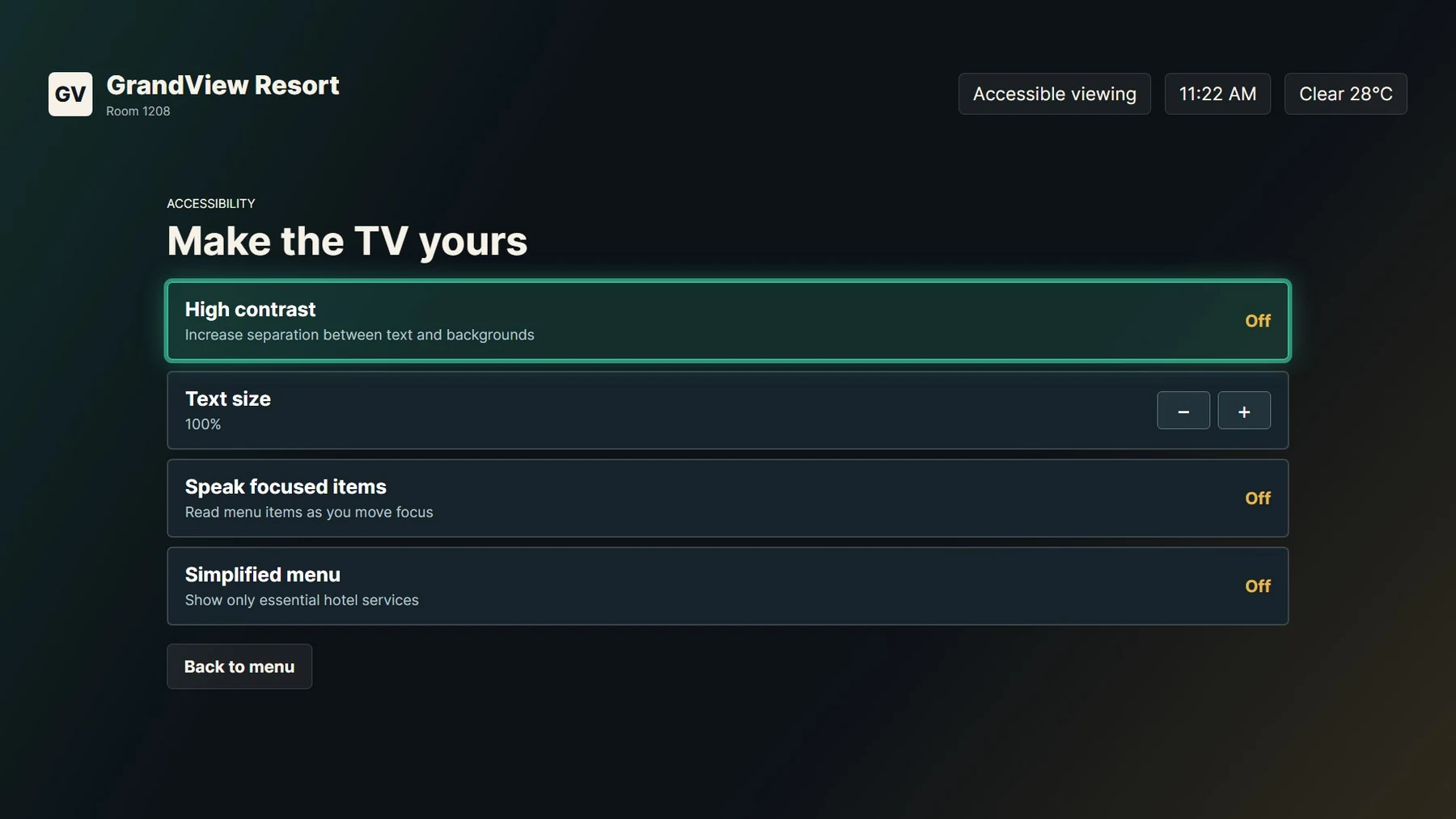
The first two images are captures from a Samsung Tizen TV. The remaining screens are local application previews; names, rooms, menu items and statuses shown are examples, not live hotel data. Cast, VOD and room-control tiles in sample screens do not mean those integrations are enabled.
Guest-service pathways
Present the service journeys configured for the property and let the hotel team handle the request through its supported operations workflow.
Guests browse configured categories and items, review a basket and send an order into the hotel’s service flow.
Make supported requests such as housekeeping, laundry, minibar or transport easy to find from the room.
Show property notices and provide a TV-based message path between the guest and hotel team.
Collect a guest rating or comment and expose the wake-up-call flow where configured for the stay.
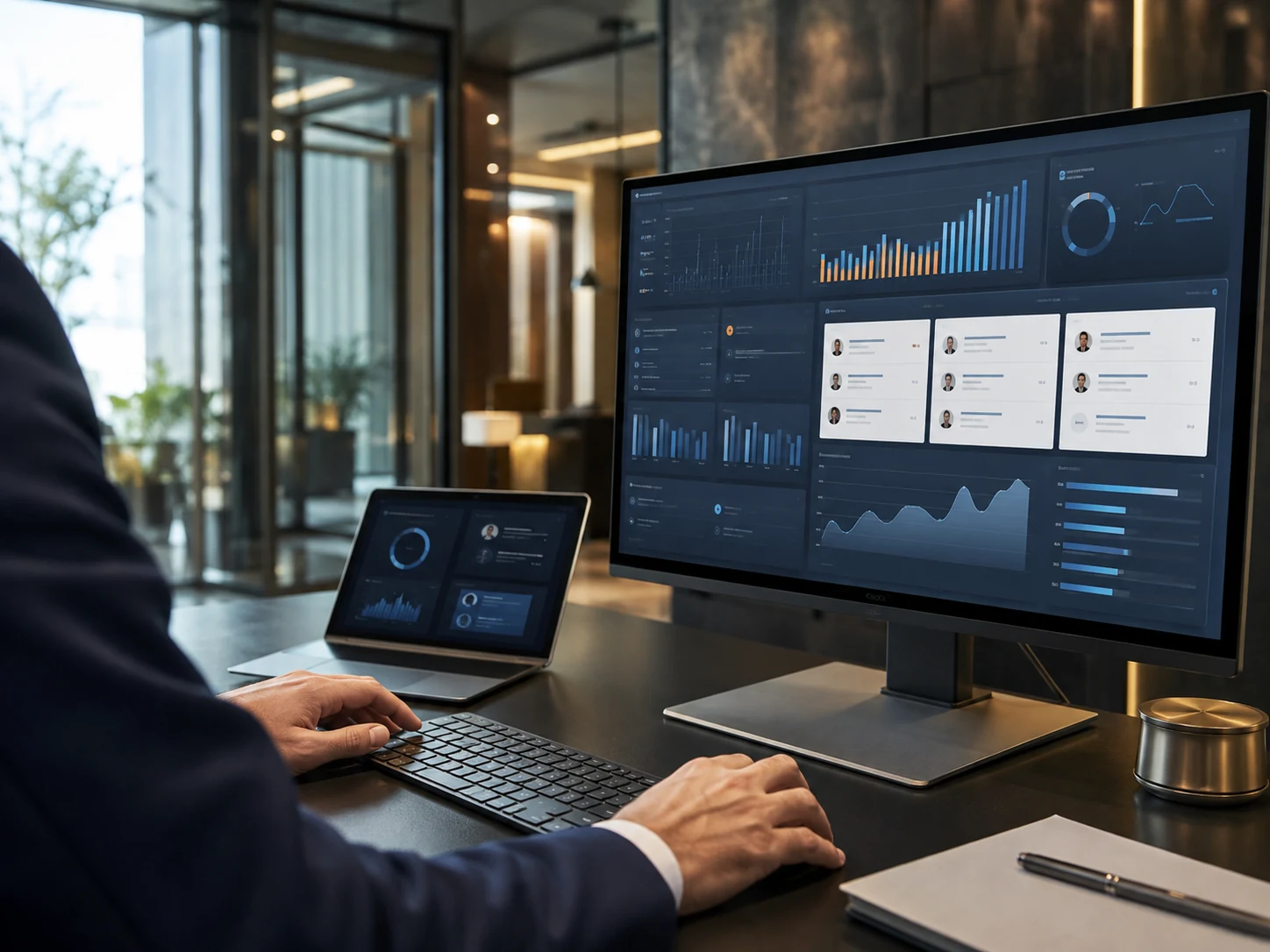
HOTEL TEAM WORKSPACE · SAMPLE VIEW
The management panel supports TV-to-room pairing, channel and page management, content updates, and the handling of guest requests and messages. The operational flow is designed to connect what the guest sees with what the hotel team needs to act on.
How the stay flows
Four practical touchpoints give the in-room screen a useful role throughout a guest’s stay.
Show the hotel identity, arrival message, room context and language options in the TV interface.
Help guests find live TV, hotel information, facilities, restaurant and spa content or local guidance.
Let guests use available room-service, property-service, messaging, feedback and wake-up-call flows.
Hotel teams manage content and handle the supported service activity through the operations panel.
Scope & compatibility
We distinguish the product’s current TV and guest-service experience from external systems that must be scoped with the hotel.
CURRENT PRODUCT
INTEGRATION / ROADMAP
Common questions
The current product page describes a Samsung Tizen hospitality TV app using AVPlay for live playback. The exact supported model and hotel network should be confirmed for each deployment.
No. These require compatible third-party systems and separate integration work; they are not standard enabled features.
No. The page labels local test previews and sample data so demonstration names, room numbers, menus and statuses are not mistaken for a live property.
Explore further
 01 / PLATFORM
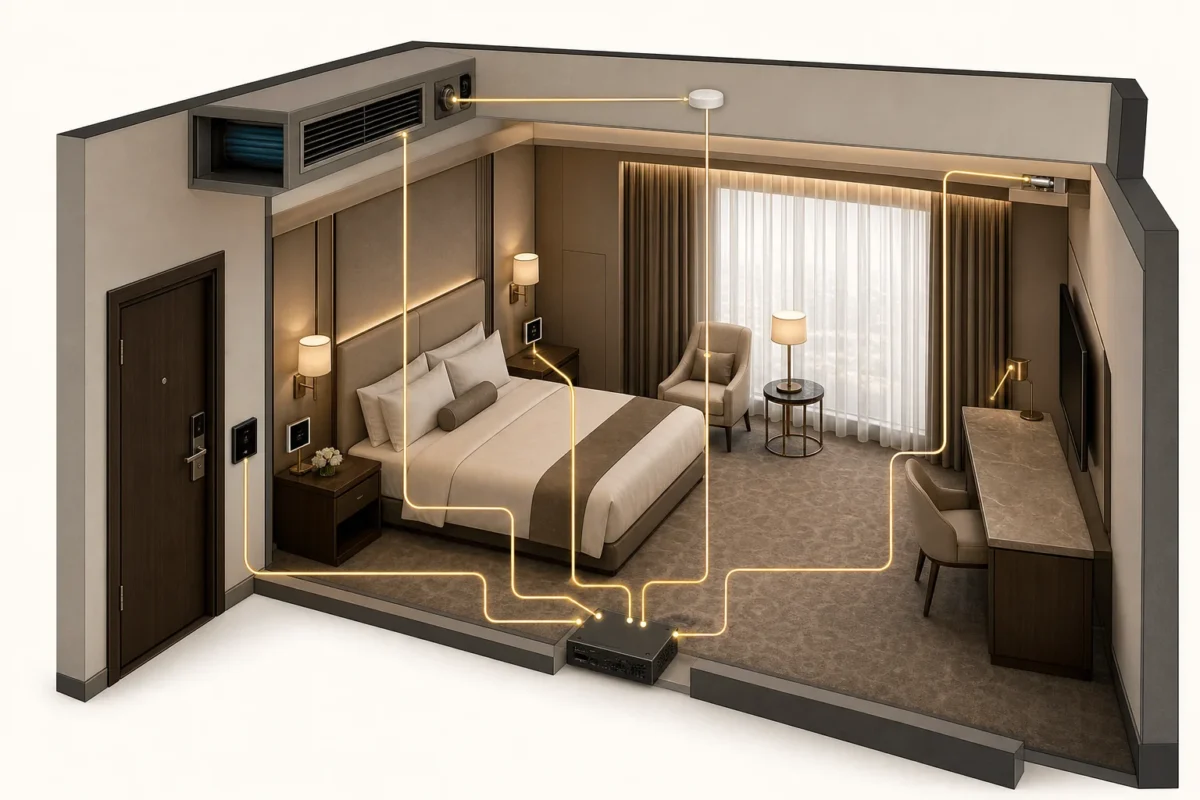
A more intuitive room experience, with the operational intelligence to manage every stay with care.
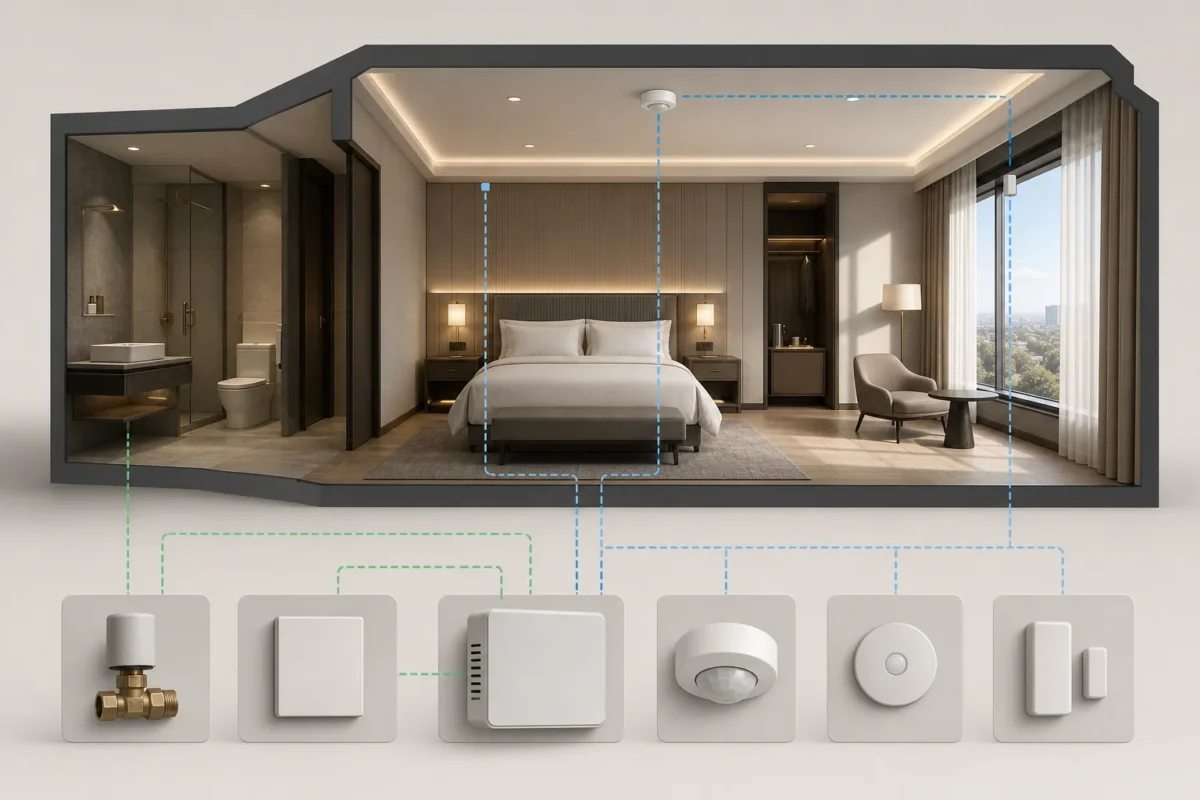 02 / PLATFORM
Bring room comfort and energy awareness together across the property.
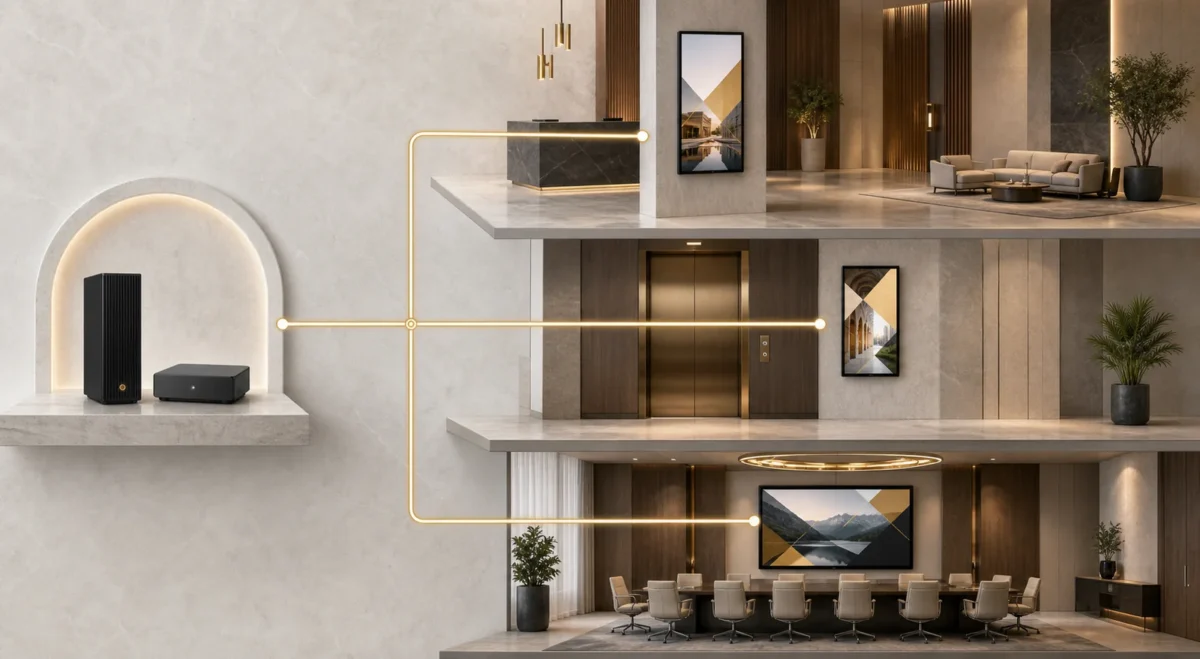 03 / PLATFORM
Keep every public-facing screen useful, on-brand and current—from the lobby welcome to dining and event information.